Activity 15: Angular with TypeScript and data structures
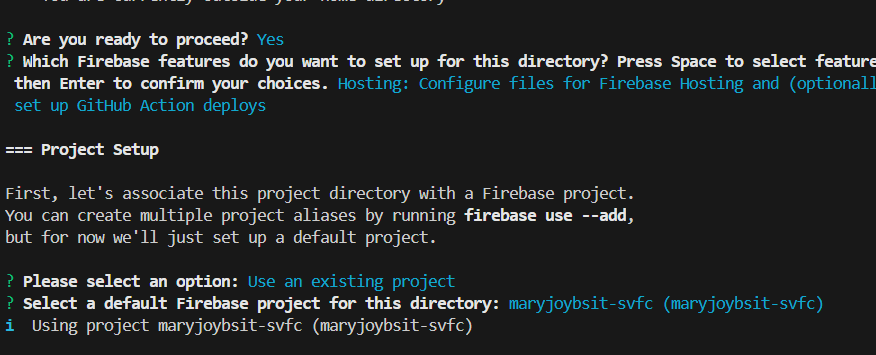
The image shows a command-line interface (CLI) for initializing a Firebase project. The user is prompted to select an option:
Use an existing project: This option allows the user to associate the current directory with an existing Firebase project.
Select a default Firebase project for this directory: This option allows the user to create a new Firebase project and associate it with the current directory.
The user has chosen to use an existing project, "maryjoybsit-svfc". The CLI is now configuring the project directory to use this existing project.
The CLI also provides information about the project setup, including:
The features that can be configured: Hosting, GitHub Action deploys
The project setup process: associating the project directory with a Firebase project, creating multiple project aliases, setting up a default project.
The CLI is a tool that allows developers to interact with Firebase services from the command line. It provides a convenient way to manage Firebase projects, configure features, and deploy applications.
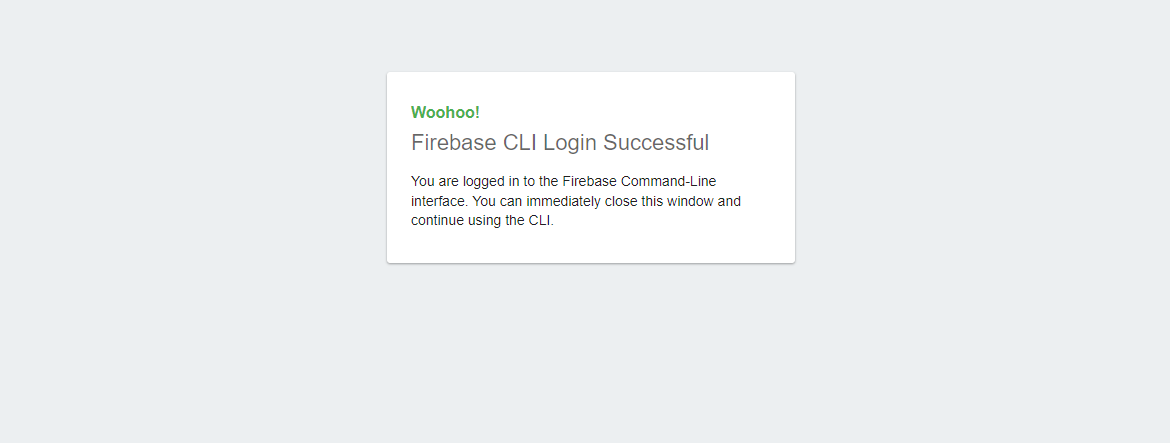
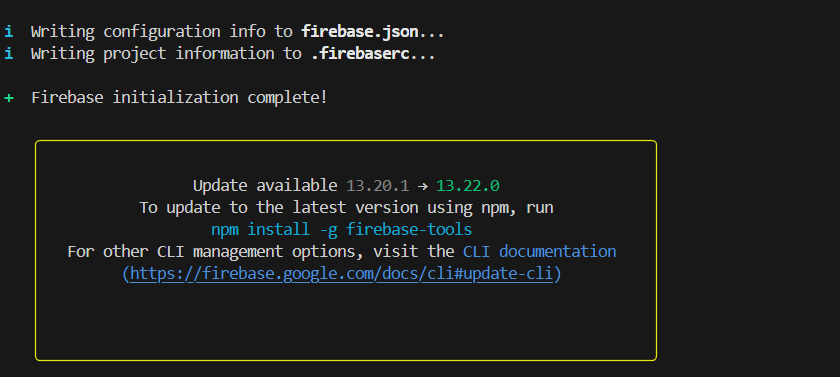
The image shows a success message from the Firebase CLI indicating that the user has successfully logged in to the Firebase Command-Line interface. The message encourages the user to close the window and continue using the CLI.